Your environment, your keys, your evidence.
Run {{PRODUCT_NAME}} on Kubernetes or Docker Compose in your own environment, with single sign-on, workspace roles, a full audit trail and credentials in your vault.
Deployed in your environment, not ours.
{{PRODUCT_NAME}} installs on Kubernetes or Docker Compose and connects to the identity provider, vault, storage and models you already run.
The boundary is yours
Install with Kubernetes manifests, a Helm chart or Docker Compose, on infrastructure you control.
Your services, by reference
Point it at your identity provider, secrets vault, database, object storage and model server. Credentials stay where they are.
One governed way out
Outbound traffic is denied by default. Collection reaches sources only through the egress profiles a workspace allows.
Your environmentKubernetes or Docker Compose
- Collection
- Evidence
- Analysis
- Search
- Alerts
Outbound traffic denied by default
Egress profilesChosen per source
- Tor
- VPN
- Proxy
Access decided by role, per workspace.
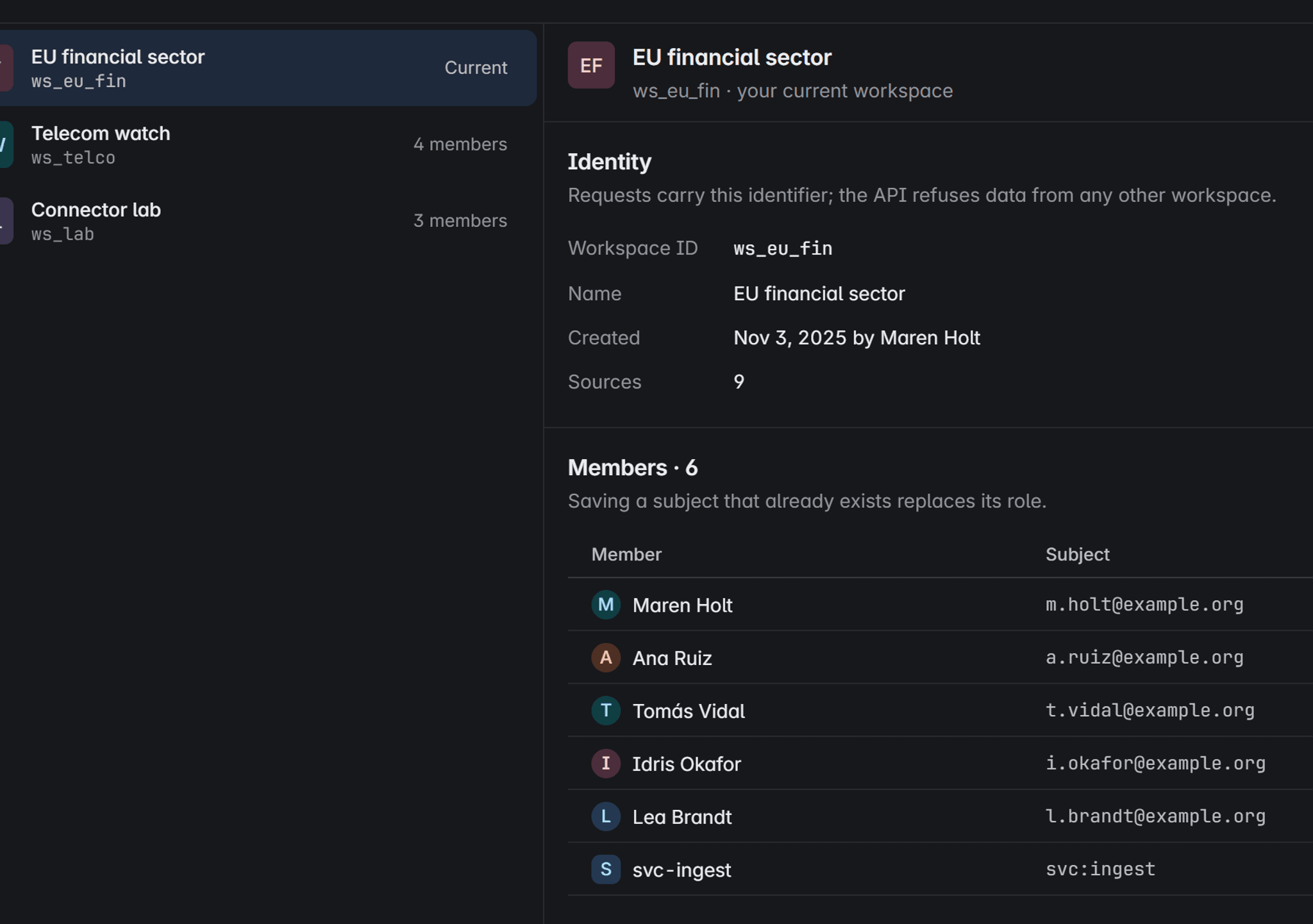
People sign in through your identity provider. Each workspace isolates its sources, alerts and evidence, and every member holds one role in it.
Workspaces keep teams apart
Every request carries its workspace. The API refuses data from any other one, so teams and clients never see each other’s evidence.

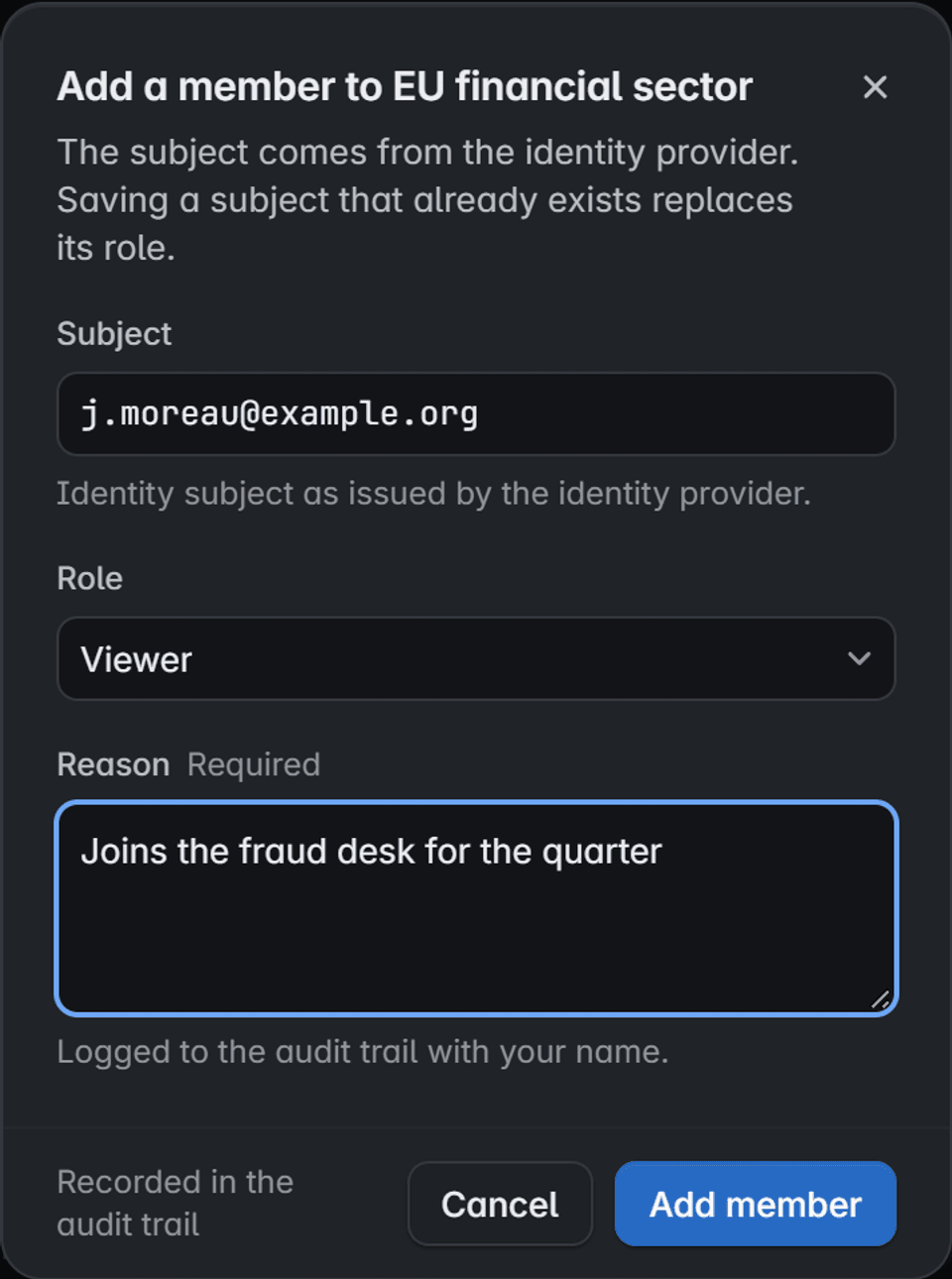
Members come from your provider
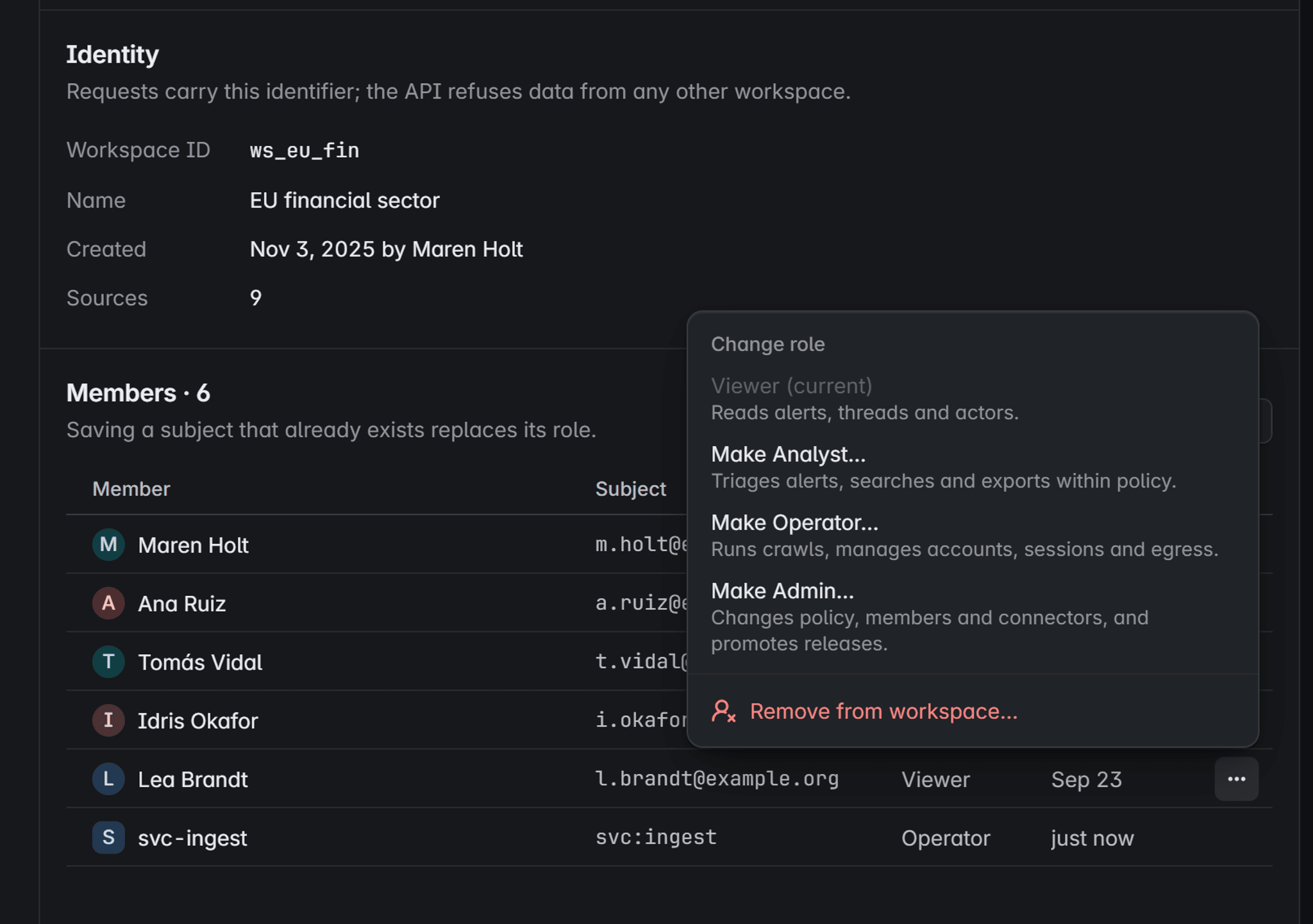
Add a person by the subject your identity provider issues, choose a role and give a reason. The change is logged with your name.
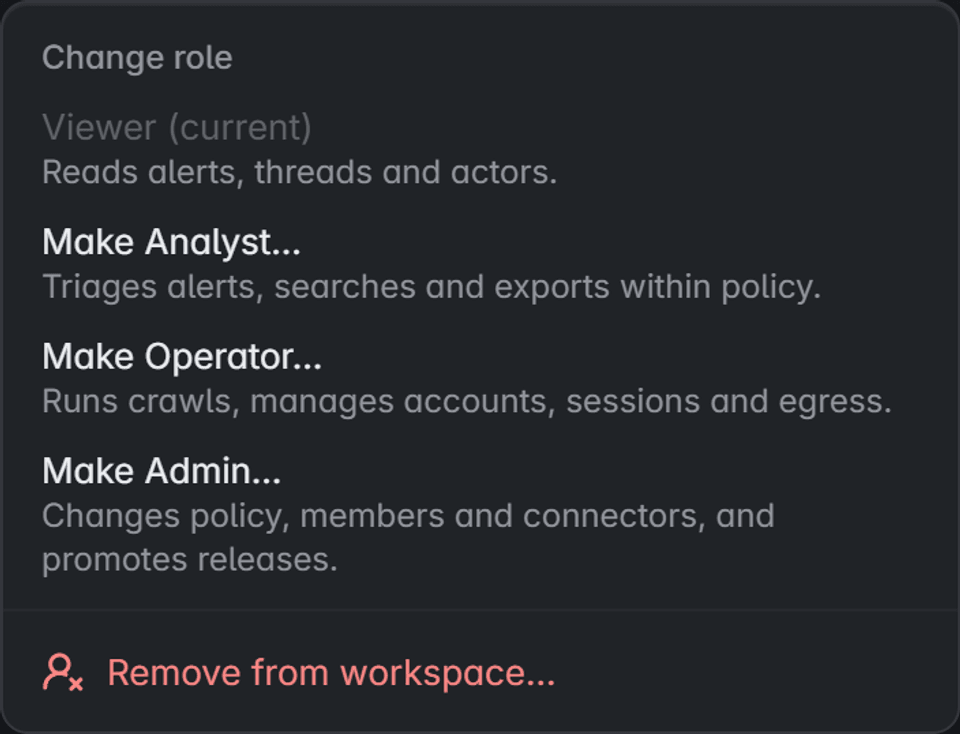
Four roles, nothing implicit
Viewers read. Analysts triage, search and export within policy. Operators run collection. Admins change policy and members.
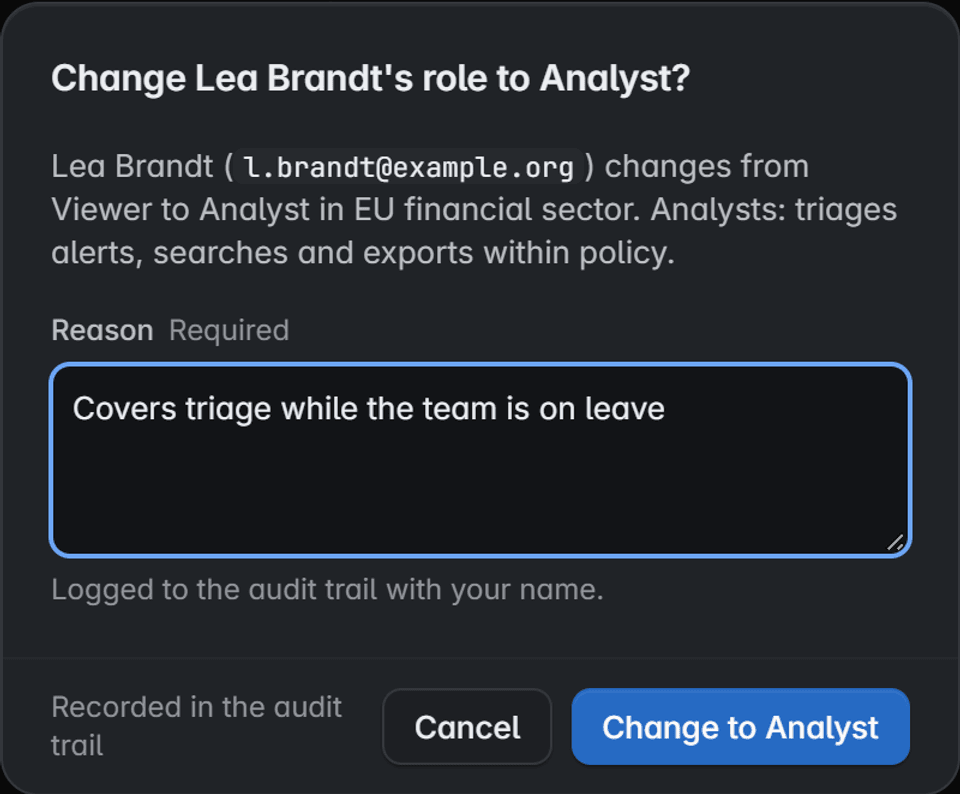
Every change carries a reason
Changing a role or removing a member asks for a reason and lands in the audit trail. Past actions stay attributed.


Product screen with fictional data
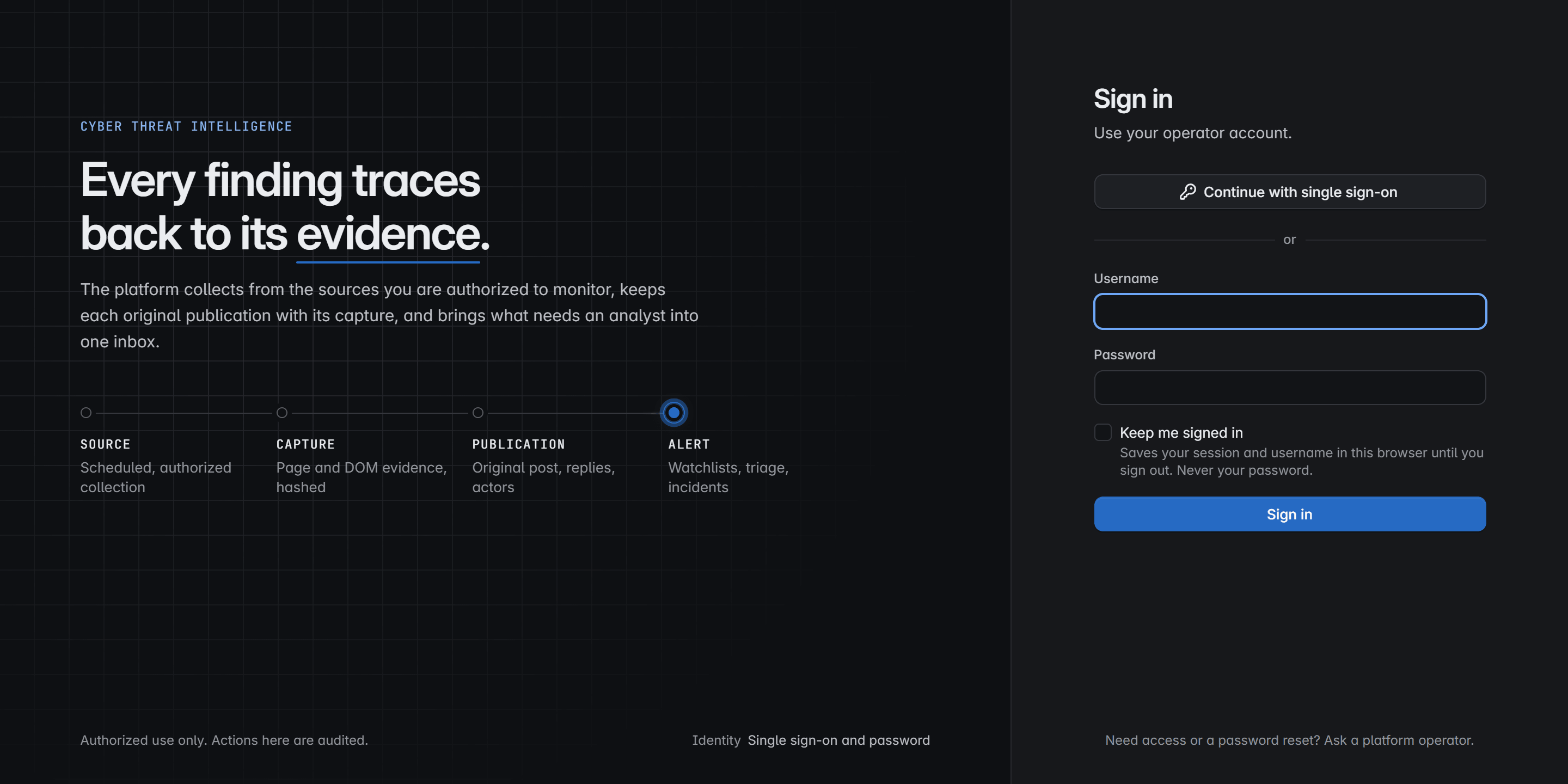
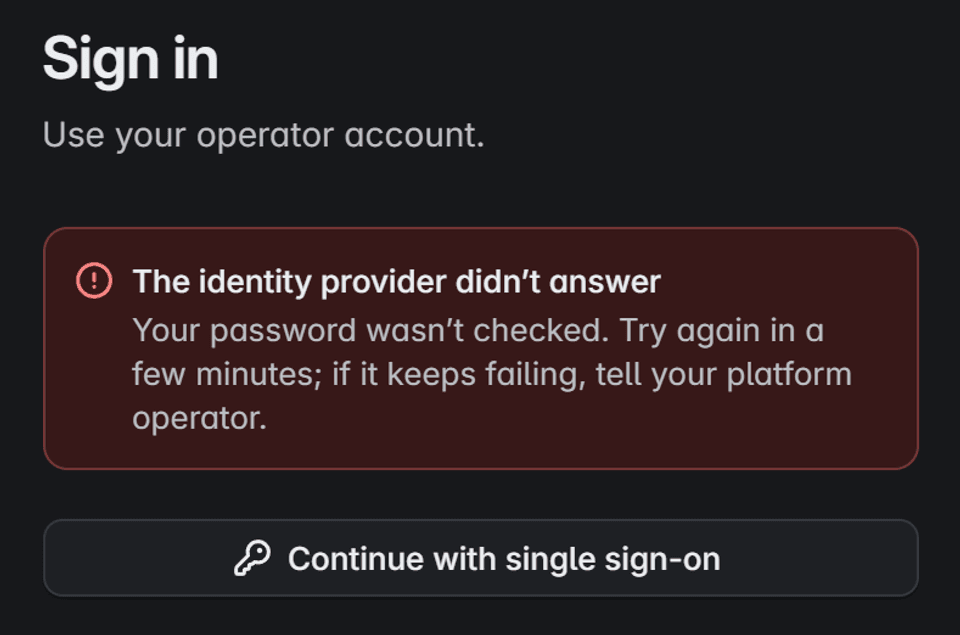
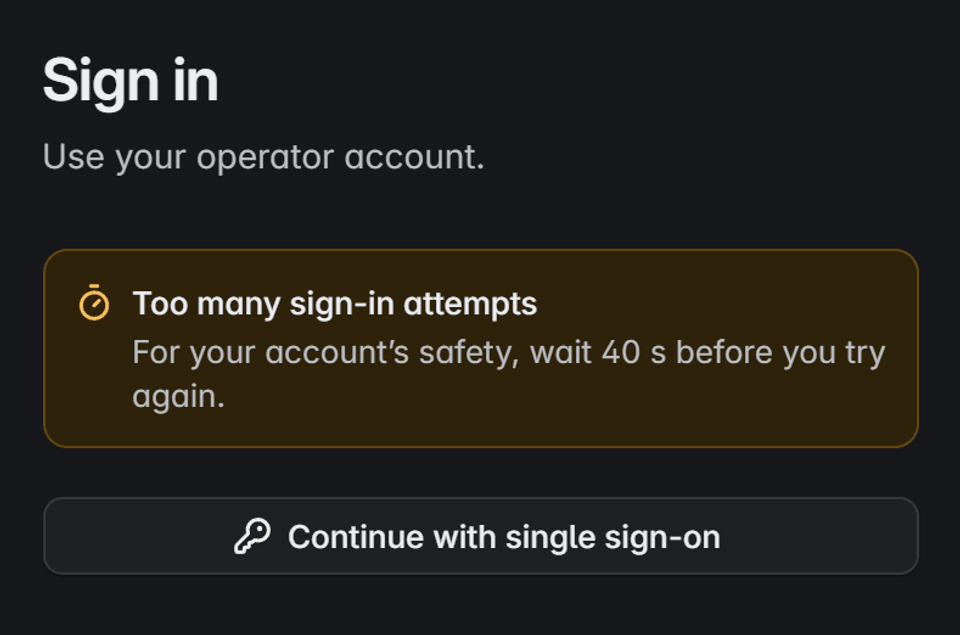
Sign-in that fails safe
- High-impact actions
- Deleting evidence, changing retention or retiring a source asks for explicit confirmation, and multi-factor sign-in when your provider reports it.
- Kept sessions
- Keep me signed in saves the session and username in that browser, never the password.
Product screen with fictional data
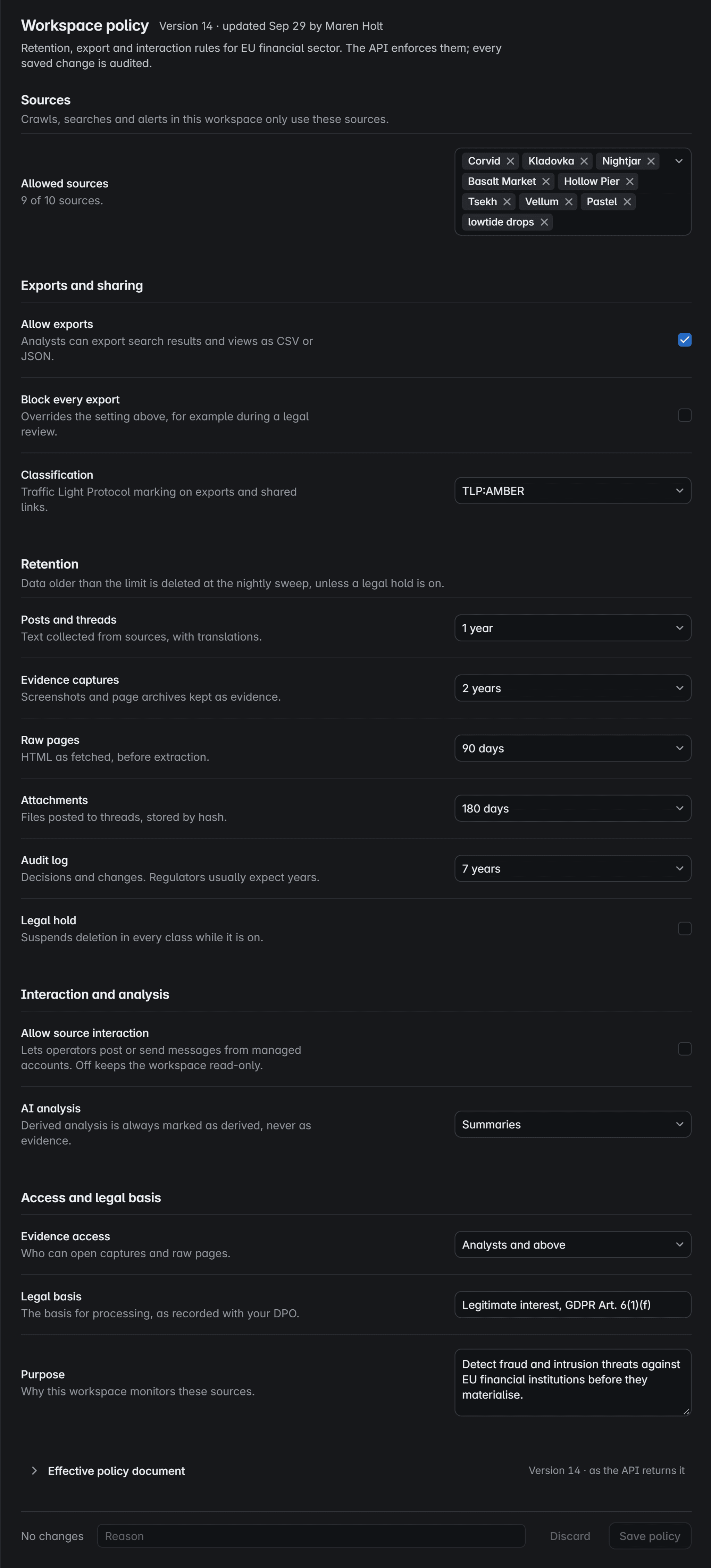
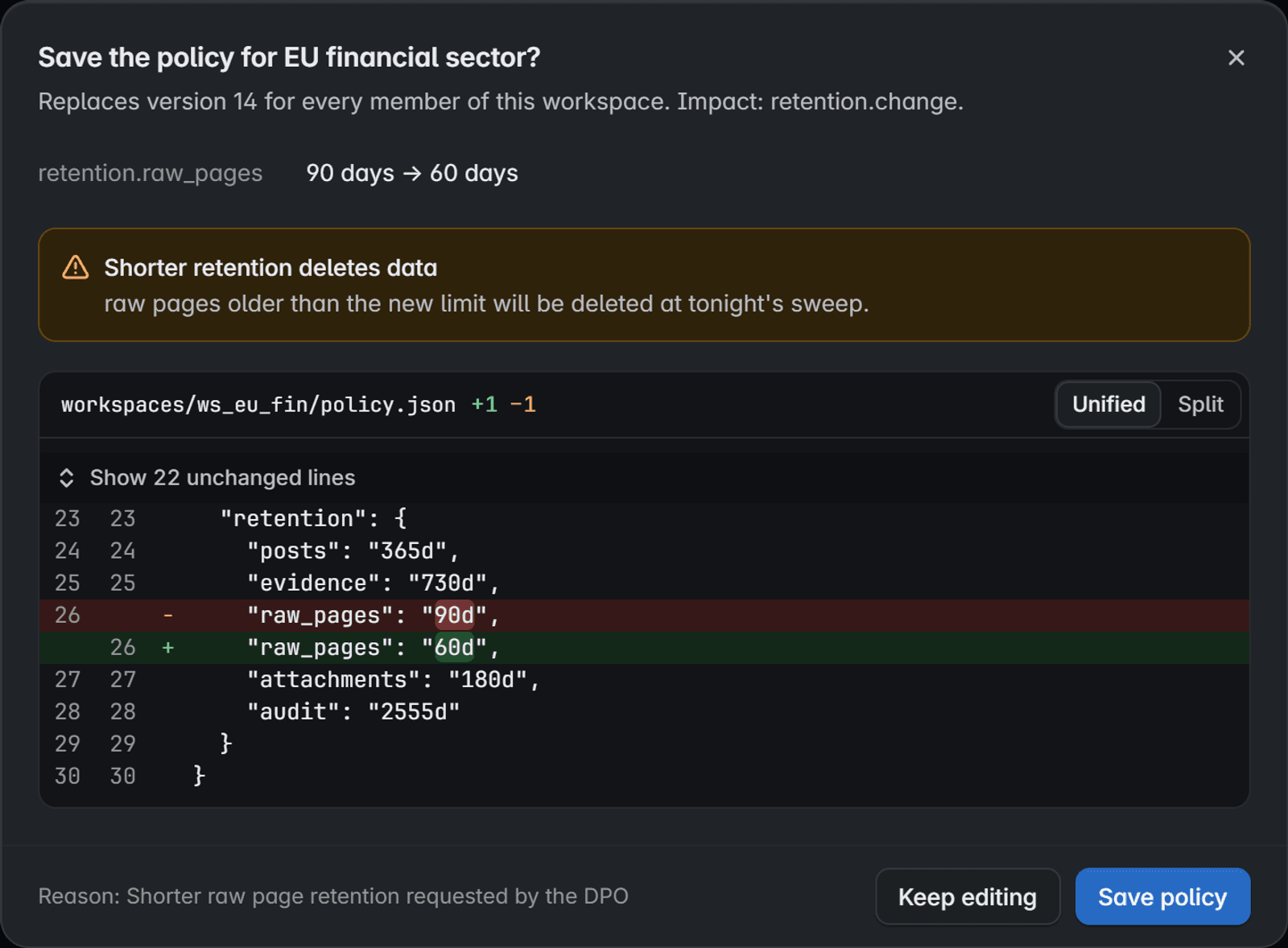
Product screen with fictional data

Retention and legal hold, set by you.
Each workspace has its own policy: sources, exports, retention and what AI may do. The API enforces it, and every change is audited.
Only the sources you allow
Crawls, searches and alerts in a workspace use only the sources its policy lists.
Exports on your terms
Allow exports, block every export during a legal review, and mark shared output with a Traffic Light Protocol classification.
A limit for every kind of data
Posts, captures, raw pages, attachments and the audit log each keep their own limit. Legal hold suspends every deletion.
Read-only, with AI labelled
Source interaction stays off unless you allow it. AI output is always marked as derived, never as evidence.
Who opens the evidence
Choose who can open captures and raw pages, and record the legal basis and purpose next to them.
Shown before anything is deleted
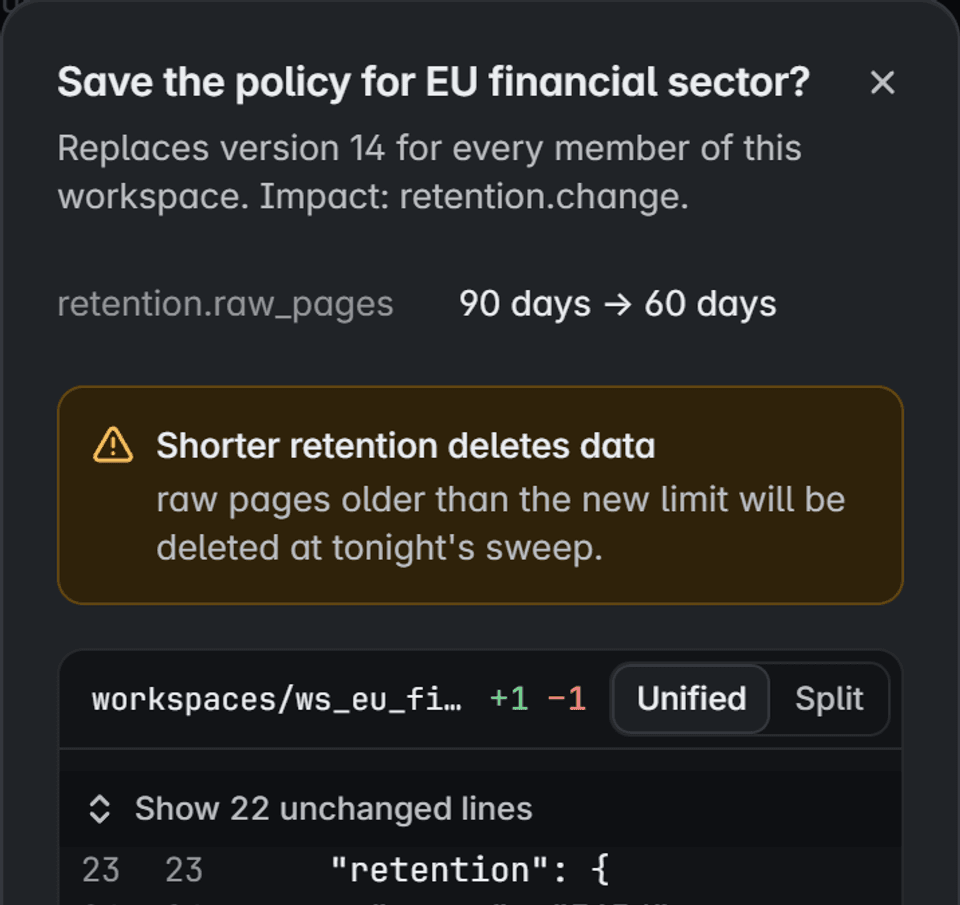
Saving asks for a reason and shows the difference. A shorter limit warns what tonight’s sweep will delete.
Secrets stay in your vault.
Source logins, egress credentials and model keys live in your secrets vault. {{PRODUCT_NAME}} keeps a reference to each one, never the value.
workspacesws_eu_finWorkspacesourcesbasaltSourceloginCredential
Where a secret never appears
- Rotation
- Rotate a value in the vault and the console shows a new version, without revealing either value.
- Retirement
- Retiring a source revokes the secrets it used.
- Configuration filesSettings hold the vault path, never the value.
- Logs and metricsRedaction keeps values out of logs, and metric names and labels never carry them.
- Data backupsBackups carry reference paths only, never secret material.
- The browserThe console sees path, version and presence. Stored material is never sent to it.
- The audit trailEvents record what was done and by whom, never the secret itself.
Recovery you rehearse, not assume.
A backup that has never been restored is not trusted. Restore drills run on a schedule and prove each step below.
Restore the records
The system of record returns first, from its latest backup or a point in time.
Verify the evidence
Every capture is checked against its SHA-256 fingerprint before it counts.
Rebuild search
Search is rebuilt from the records. It is never restored from a dump.
Resume from checkpoints
Each source picks up from its last durable checkpoint, not from the start.
Prove no duplicates
Posts processed again are matched to what exists, never counted twice.
Trace the lineage
Every post links again to its capture and to the run that collected it.
- Scheduled drills
- Drills run on a schedule outside production. Starting one by hand asks for confirmation.
- Objectives per service
- Recovery point and recovery time objectives are set for each service you run.
- Rehearsed faults
- Worker loss, database restarts and network failures are rehearsed, and checkpoints, evidence and search must stay consistent.
Self-hosted threat intelligence, where your evidence stays.
The short answers to the questions a security review asks first.
- Deployment
- Kubernetes or Docker Compose, in your environment
- Identity
- Single sign-on over OIDC through your provider
- Roles
- Viewer, analyst, operator and admin, per workspace
- Isolation
- Workspaces enforced by the API on every request
- High-impact actions
- Explicit confirmation before they run
- Audit
- Every decision recorded and attributable, refusals included
- Retention
- A limit per data class, with legal hold
- Recovery
- Backups and scheduled restore drills
- Secrets
- In your vault, referenced by path
- Network
- Outbound traffic denied by default, egress per source
- AI models
- Local, self-hosted or a provider you choose
- Evidence
- Captures sealed with a SHA-256 fingerprint
- Integration
- Versioned REST API and webhooks
Authorized and observe-only.
{{PRODUCT_NAME}} monitors only sources your organization is authorized to access. It never bypasses access controls, compromises accounts or exploits sites.
Leaked data is never downloaded, and AI output is never treated as evidence.
Read the responsible-use policySee it on your own sources.
Tell us what you need. We will walk you through a live capture, from post to sealed record.
Prefer email? Write to {{CONTACT_EMAIL}}.